Browser games are designed to be quick, accessible, and easy to play. However, performance issues such as lag, slow loading, or unresponsive controls can sometimes affect the gaming experience. The good news is that most performance problems can be improved with a few simple adjustments.
On platforms like Gamria, browser games are optimized for smooth gameplay, but your device setup and browser habits also play an important role.
Why Performance Matters in Browser Games
Good performance ensures responsive controls, smooth animations, and an enjoyable gaming experience. Poor performance can cause frustration and reduce enjoyment, especially in fast-paced or timing-based games.
Improving performance helps you play more comfortably and get the most out of your gaming sessions.
Use a Modern and Updated Browser
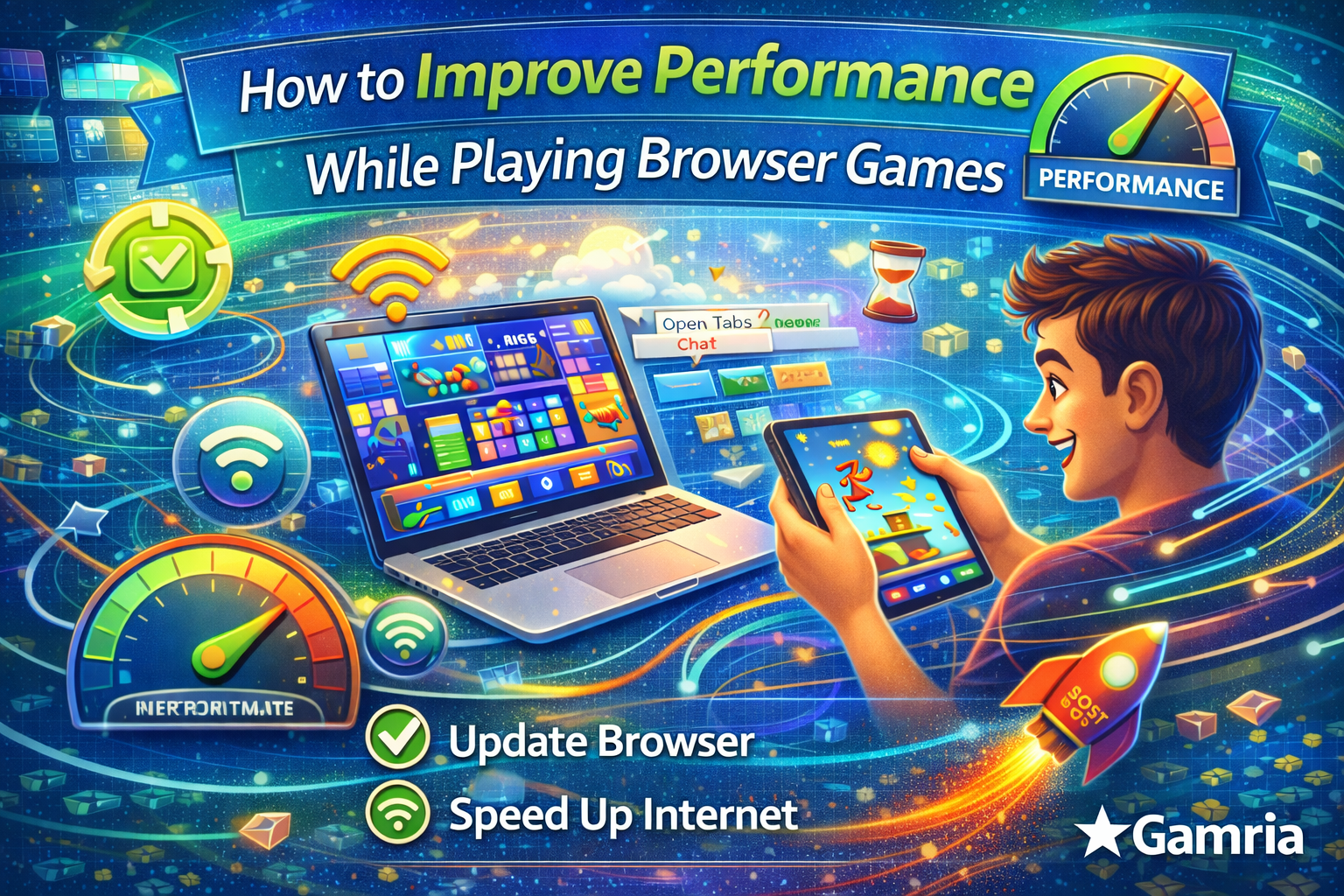
Modern browsers are built to handle HTML5 games efficiently. Using the latest version of Chrome, Safari, Firefox, or Edge ensures better compatibility and performance.
Outdated browsers may struggle with newer game technologies.
Close Unnecessary Tabs and Applications
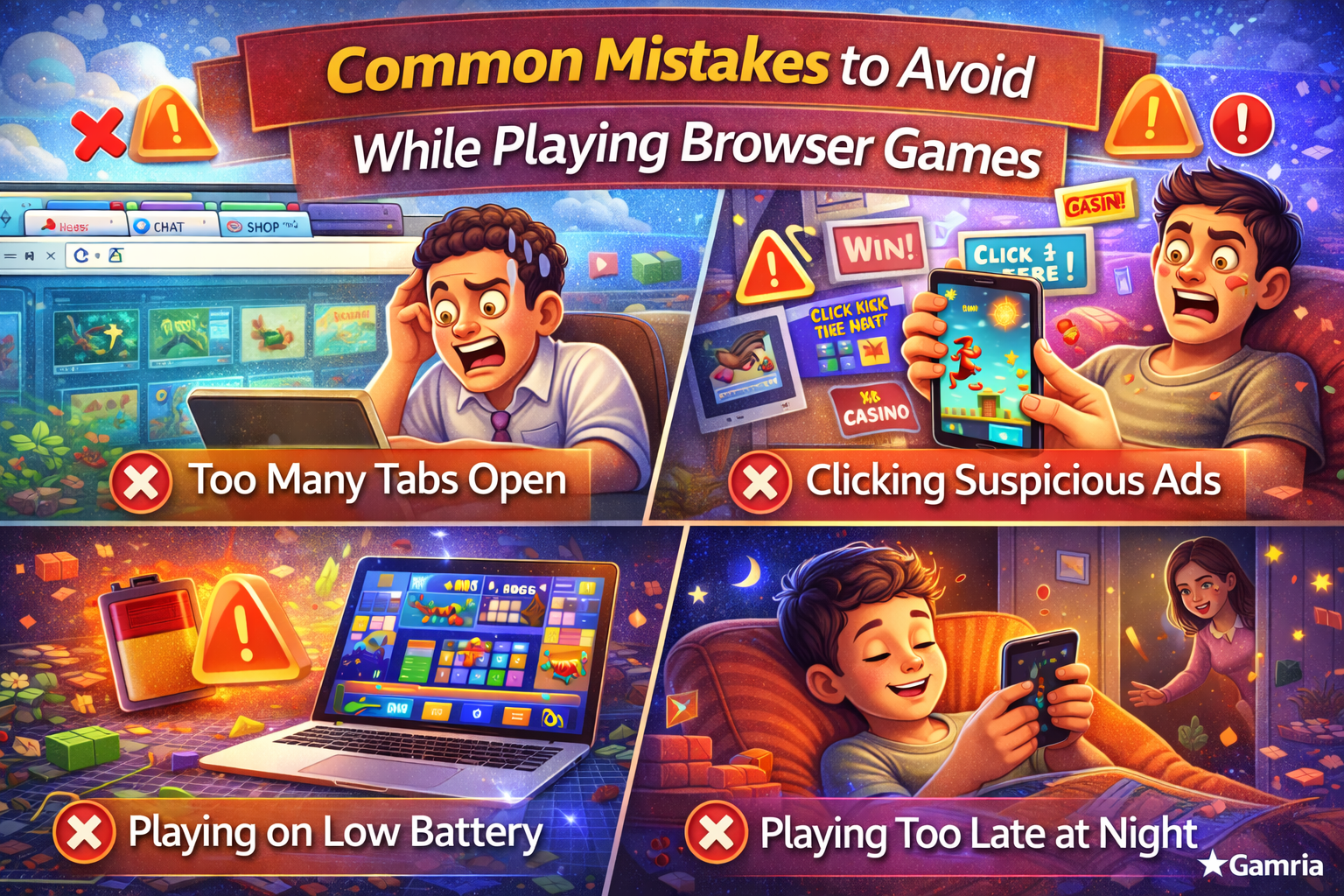
Running too many tabs or background applications can slow down your device. Closing unused browser tabs and apps frees up memory and processing power.
This is especially helpful when playing games on mobile devices or older computers.
Check Your Internet Connection
Although many browser games do not require high-speed internet, a stable connection helps prevent lag and interruptions.
If possible, use a reliable Wi-Fi connection and avoid switching networks while playing.
Clear Browser Cache Occasionally
Over time, browser cache and temporary files can slow down performance. Clearing your browser cache occasionally can help improve loading speed and responsiveness.
This is a simple maintenance step that can make a noticeable difference.
Use Full-Screen Mode
Playing games in full-screen mode reduces background distractions and can improve focus. It also helps the browser allocate more resources to the game.
Most browser games support full-screen play for a better experience.
Adjust Device Settings
Lowering screen brightness, closing battery-heavy apps, and enabling performance modes on your device can help improve gameplay, especially on mobile.
Keeping your device cool and charged also helps maintain consistent performance.
Restart Your Device When Needed
If you notice consistent lag or freezing, restarting your device can refresh system resources. This simple step often resolves performance issues.
Choose Games That Match Your Device
Some games are more demanding than others. Choosing games that match your device’s capabilities ensures smoother gameplay.
Gamria offers a wide range of lightweight browser games suitable for different devices.
Why Gamria Offers a Smooth Gaming Experience
Gamria focuses on providing optimized browser games that load quickly and run smoothly across platforms. No downloads or installations mean fewer performance-related issues.
The platform is designed for casual and regular players alike, making performance improvements easy to achieve.
Final Thoughts
Improving performance while playing browser games doesn’t require technical expertise. Small changes in browser habits, device settings, and connectivity can greatly enhance your gaming experience.
With the right setup and Gamria’s optimized games, you can enjoy smooth, responsive gameplay anytime without unnecessary interruptions.